


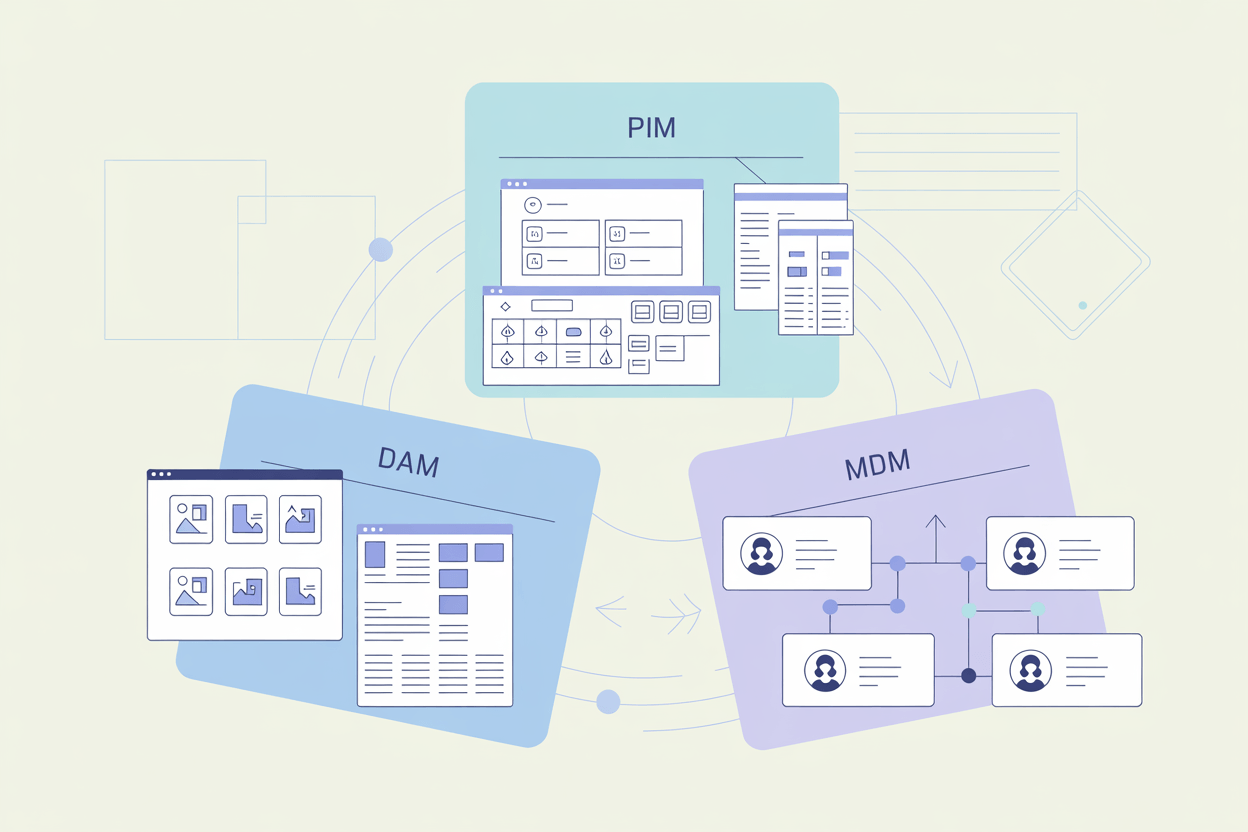
Key Takeaways
- PIM centralizes product data and is the right starting point for most manufacturers and wholesalers with growing catalogs.
- DAM manages digital files — images, videos, documents — and works best alongside a PIM, not instead of one.
- MDM covers all master data across the business and is most relevant to large enterprises with complex system landscapes.
- The line between PIM and MDM blurs at scale. Large catalogs with complex import/export requirements often need a system that handles both.
- A DAM full of untagged assets delivers little value. Governance around the system matters as much as the system itself.
A product manager updating three spreadsheets across two channels while a colleague maintains their own version of the same data in a shared drive. That's what data chaos looks like in practice — and it's where most companies with growing product catalogs end up without the right system in place.
They each solve a different part of it, and picking the wrong one wastes time and money.
What is PIM?
PIM stands for Product Information Management. Once a manufacturer or wholesaler reaches a certain number of SKUs, managing product data manually becomes a real time sink.
A PIM system centralizes product descriptions, images, and attributes in a single database. It enriches that data, improves overall quality, and publishes product information across multiple sales channels. Everyone who needs product data gets access to the same current, channel-neutral version.
PIM also handles complex data structures: product variants, attributes, category hierarchies. It lets you prepare different versions of product content for different channels at the same time, and reduces the manual effort involved in data entry and maintenance.
One thing most companies underestimate: the work of structuring attributes properly before a PIM delivers real value. The scope, complexity, and rollout approach vary significantly depending on catalog size, channel count, and existing system infrastructure.
What is DAM?
DAM (Digital Asset Management) stores and manages digital files across an organization: photos, videos, PDFs, InDesign files, illustrations, 3D models, data sheets, user manuals, and more. It makes it easier to store, access, and publish assets in the right formats for different uses.
DAM is built for marketing and sales teams at manufacturers or wholesalers. It handles a broad range of file types and includes metadata management and automatic format conversion.
What most teams don't anticipate: DAM requires consistent tagging and metadata discipline to deliver its full value. A DAM full of untagged assets is just an expensive shared drive. The system is only as useful as the governance around it.
What is MDM?
MDM (Master Data Management) is a system for managing master data across an organization. Having multiple conflicting data sources is a common problem in larger companies, and MDM addresses it with methods for data cleansing, transformation, and integration.
An MDM system can enforce quality thresholds before new data enters the system. It manages assets, customer data, supplier data, employee data, location data, product data, and more — all unified in a central database and synchronized with external systems like ERP or CRM.
Because of that complexity, MDM is more relevant to large enterprises with extensive system landscapes than to small or mid-sized businesses. It's also the most expensive of the three to implement and the hardest to scope correctly. Companies that underestimate that complexity often end up with a system that governs data on paper but creates friction in practice.
PIM, DAM, MDM: Key Differences
PIM vs MDM
Both systems centralize data. The difference is scope.
PIM is built specifically for product information. MDM covers all master data across the business: customers, suppliers, employees, locations, and more.
Broader scope doesn't mean better for every use case. PIM has product-specific functionality that MDM doesn't: managing complex attribute structures, product variants, and channel-specific content preparation. In that sense, PIM is more of a marketing and commerce tool. MDM is purely about master data governance.
A wholesaler adding new sales channels frequently and needing consistent product data across all of them is a clear PIM candidate. A manufacturer managing product and supplier data across multiple ERP systems, with strict data quality requirements at every entry point, is a stronger MDM candidate. Some businesses are both.
One of our customers manages close to half a million products with complex data import and export requirements across multiple systems. A PIM alone wasn't enough to handle the master data governance side, and a standalone MDM wouldn't have covered the product content needs. We implemented a solution based on AtroPIM that covered both, using its MDM-capable architecture to handle the full scope.
If the main problem is product data management, PIM is almost always simpler to implement and more cost-effective than MDM. But when the catalog is large enough and the system landscape complex enough, the line between the two blurs.
Some PIM systems can function as full MDM tools. Some MDM systems cover enough PIM functionality to be viable. The decision depends on the actual feature set, evaluated case by case.
PIM vs DAM
A PIM system puts the product at the center. It stores product images and assets alongside product variants, descriptions, categories, attributes, and channel-specific data. But the DAM functionality built into most PIM systems is basic. It works for storing a manageable number of product images, but it breaks down when the volume grows.
A manufacturer trying to manage tens of thousands of product images inside a PIM that wasn't built for it will run into missing metadata controls, no automatic format conversion, and limited search across assets. The assets become hard to find and harder to reuse. That's the practical cost of not having a dedicated DAM.
A few PIM systems do offer advanced DAM functionality — AtroPIM and Pimcore among them. But they're exceptions. For most businesses, using PIM alongside a dedicated DAM system is the more reliable approach.
MDM vs DAM
MDM and DAM rarely compete directly. MDM governs structured master data across business systems. DAM manages unstructured digital files for marketing and content teams. A large enterprise might use both, with MDM handling data governance and DAM handling the creative asset library. The two systems don't overlap much in practice.
Which System Should You Choose?
The right answer depends on where your data pain is actually coming from.
- If you have multiple systems with overlapping datasets and need to resolve data quality issues across the business, MDM is the right tool.
- If you need to manage digital assets — images, videos, documents — collaboratively for marketing or other purposes, DAM is a solid investment.
- If you have thousands of product records and no structured way to manage them, PIM is the right solution, potentially combined with a DAM.
| PIM | DAM | MDM | |
|---|---|---|---|
| Scope | Channel-neutral central storage of product information | Central digital asset library | Master data management across multiple business areas |
| Target users | Manufacturers, wholesalers, retailers, online sellers | Any organization that needs to manage digital assets | Larger companies with complex system infrastructure |
| Main goal | Consolidate scattered product data into a central repository as a single point of truth | Centrally store scattered digital assets for fast access in required formats | Unify duplicated data stored across different systems through synchronization |
| Core functions | Product data management and storage, data unification, workflows, quality assessment, channel-specific content preparation, data publishing | Centralized asset storage, tagging and metadata management, automatic conversion, usage tracking | Master data management, data unification, workflows, data quality assessment, data provisioning |
| Advantages | Reduces effort and costs for product data management, lowers error rates, lower implementation cost than MDM, better suited for product data use cases | Systematizes digital asset management, reduces manual effort and costs, lowest implementation cost of the three | Reduces manual effort and operating costs, lowers error rates, unifies master data across systems |
| Disadvantages | Complex solution, not always user-friendly, requires synchronization with other systems | Not usable for product information management, requires synchronization with other systems | High system complexity, high cost, no product data specialization, requires synchronization, high implementation cost |
MDM might look like it covers everything, but a DAM or PIM system will often solve the real problem faster and at lower cost. And if you're sitting on half a million SKUs with data flowing in and out of multiple systems, the answer is probably a combination of all three.