


Key Takeaways
Creating a high-quality product data sheet requires serving your audience, presenting information clearly, and ensuring accuracy at scale.
When creating a product data sheet, focus on:
- Identifying your audience to tailor technical depth and language to your primary readers (e.g, engineers need specs, executives need ROI)
- Clarity by making sure that the most critical information is scannable in 5 seconds or less
- Benefits over features, by framing specifications in terms of real-world outcomes and value
- Conciseness (one to two pages maximum), since data sheets are reference tools, not comprehensive manuals
- Data accuracy since outdated or incorrect specifications undermine credibility and can create legal liability
- Design for usability, where strategic whitespace, visual hierarchy, and mobile compatibility make information accessible
Audience-Focused Product Data Sheets
Before writing a single word or choosing a layout, identify who will use your product data sheet and what they need from it. A data sheet that tries to serve everyone equally often serves no one well.
Primary Audience Segments
Technical Evaluators (Engineers, R&D Teams, Technicians) scrutinize tolerances, operating ranges, electrical characteristics, and dimensional data to determine compatibility and feasibility. For this audience, accuracy has to be prioritized over marketing language.
Procurement Specialists need model numbers, SKUs, certifications, and compatibility data for standardization and purchasing decisions. Clear ordering information and compliance badges drive their choices.
Decision-Makers (Managers, Executives, Business Owners) focus on outcomes: how the product solves problems, delivers ROI, and compares to alternatives. Contextualized benefits and high-level differentiators are critical for them.
Serving Multiple Audiences
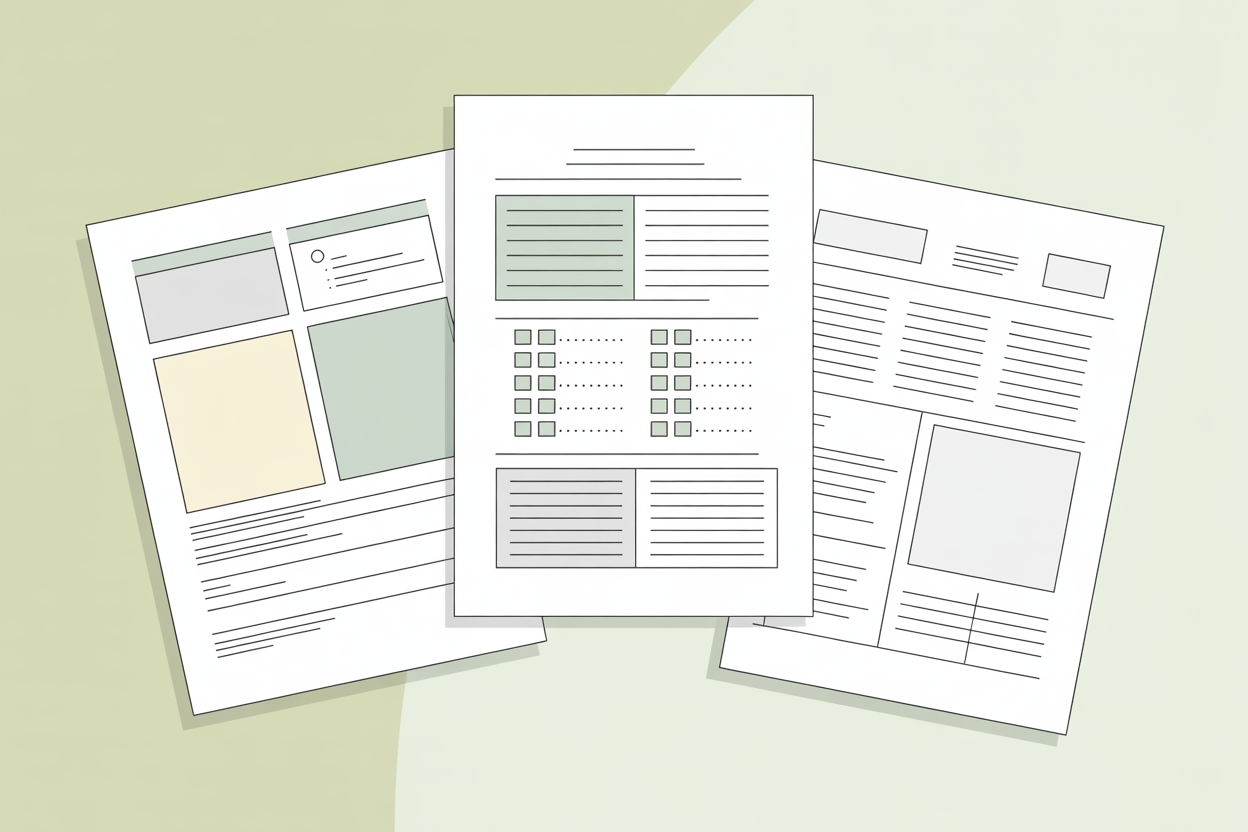
Create a clear visual hierarchy that serves all audiences simultaneously: place high-level benefits prominently at the top for executives, structure detailed specifications in scannable tables for technical evaluators, and include compliance information in dedicated sections for procurement teams.
Test your data sheet with representatives from each segment. Ask them to find three pieces of information they'd typically need. If they struggle or take more than a few seconds, your structure needs refinement.
Core Elements of a Winning Product Data Sheet
A well-structured product data sheet typically includes the following key elements:
Product Identification
Every data sheet must begin with unambiguous product identification to prevent confusion across your product line over time.
Essential identifiers:
- Full product name with series or family designation
- Specific model number or part number
- SKU or catalog number for ordering
- Revision or version number (critical for products that evolve)
- Date of publication and superseded versions
Place this information prominently in the header area. If your product has variations (sizes, colors, power ratings), clearly indicate which variant this data sheet covers. Use a consistent identifier format across all data sheets for instant recognition.
Product Features & Benefits
Customers care less about specs and more about how the product solves their problems. Structure this section to lead with outcomes, then support with the features that deliver those outcomes.
For example, instead of "IP67 rated," write "Operates reliably in harsh environments (IP67 dust and water protection)." This immediately tells the reader why the specification matters.
Limit yourself to 5-8 key benefits maximum. Choose benefits that:
- Differentiate your product from competitors
- Address the most common customer pain points
- Deliver measurable value (cost savings, time savings, performance gains)
Use parallel structure in your benefit statements. If you start one with an action verb ("Reduces energy consumption by 30%"), start them all that way.
Technical Specifications of the Product
Technical specifications form the core reference content. Always include ranges, not just typical values. A motor that operates "at 1750 RPM" is less informative than one with a "1700-1800 RPM range at rated load." Engineers need worst-case scenarios for their design calculations.
Essential practices:
- Include units of measurement with every numeric value
- Specify tolerances where relevant (±5%, ±0.2mm)
- Note testing conditions or standards (e.g., "at 25°C ambient")
- Use consistent decimal precision throughout
- Group related specifications under clear subheadings (Electrical, Mechanical, Environmental)
For products with multiple variants, consider a comparison table showing specifications across all models.
Compliance & Certifications
Compliance information confirms the product is legal to sell and use in specific markets, provides assurance of quality and safety, and helps buyers meet their own regulatory requirements.
Display certification logos prominently in a dedicated section or sidebar. Each certification should include:
- The standard or regulation met (e.g., UL 508, CE, RoHS)
- Certificate number, where applicable
- Brief contextual explanation: "RoHS compliant (restricted hazardous substances—safe for EU markets)"
For products used in regulated industries (medical, food processing, hazardous locations), compliance information may be the primary decision factor.
Usage & Handling Information
Include essential operational context that affects purchasing decisions or initial deployment. Keep information concise and presented as specifications rather than procedures.
Consider including:
- Installation requirements: "Mounting: Vertical installation only, 50mm minimum clearance on all sides"
- Operating environment limits (temperature, humidity, altitude)
- Required accessories or complementary products
- Safety warnings or precautions
This helps customers identify if they have the necessary infrastructure before purchasing. A device requiring 480V three-phase power needs to state that clearly.
Visual Assets
Visual elements are functional communication tools that convey complex information faster than text.
High-impact visuals include:
- Professional product photography (actual product, not just renderings)
- Dimensional drawings with clearly marked measurements
- Connection diagrams showing ports, terminals, or interfaces
- Application examples showing the product in use
- Icons for quick identification of key features (wireless connectivity, weatherproof, energy efficient)
Ensure all images are high resolution but appropriately compressed for digital distribution. Label all diagrams clearly with annotations for important features, dimensions, and connection points.
Structuring for Clarity and Readability
Logical Layout Principles
Information architecture determines whether your product data sheet functions as a quick reference tool or becomes a frustrating search exercise. Follow the inverted pyramid principle: most important information first, supporting details following.
Proven structure pattern:
- Header: Product identification, branding, key product image
- Above the fold: Primary benefits and differentiators
- Technical specifications: Core reference data
- Supporting information: Compliance, dimensions, usage notes
- Footer: Ordering information, contact details, document metadata
This structure serves casual browsers (who may only scan the top) while providing depth for thorough evaluators.
The 5-Second Scan Test
Can someone unfamiliar with your product identify the three most important facts in 5 seconds? If not, you need a stronger visual hierarchy.
Create distinction through:
- Main headings that are larger, bolder, and possibly colored
- Section headings that are edium weight, consistent styling
- Body text that is clear, readable size (10-11pt minimum for print)
- Specifications in a structured format that distinguishes labels from values
Strategic whitespace guides the eye and creates natural reading flow. Leave adequate margins, space between sections, and padding around tables and images. Whitespace is not wasted space—it's active design that improves comprehension.
Typography Best Practices
Font choices affect both readability and brand perception. Stick to professional, highly legible fonts. Use sans-serif fonts, such as Arial, Helvetica, or Calibri, for technical specifications and data; serif fonts like Times New Roman or Georgia for longer descriptive sections; and monospace fonts such as Courier or Consolas for codes, part numbers, or technical identifiers. Limit yourself to two font families maximum. Use size and weight variations for hierarchy, not different fonts.
Ensure sufficient contrast between text and background. Black text on a white background remains the gold standard for readability.
Table Formatting for Specifications
Well-formatted specification tables enable instant information retrieval.
Table design guidelines:
- Use a two-column layout: parameter name on left, value on right
- Apply alternating row shading (zebra striping) for tables with many rows
- Align numbers right, text left within cells
- Make column headers bold and visually distinct
- Include units in headers when consistent, or in each cell when they vary
- Use horizontal lines sparingly to avoid visual noise
- Ensure adequate cell padding so values don't crowd
For complex products with many specifications, break into multiple smaller tables grouped by category rather than one massive table.
Writing Style That Converts
Clear, Concise Language
Clarity and precision trump style. Every word should earn its place by conveying essential information.
Remove filler phrases:
"Our product is designed to provide..."→ "Provides...""Featuring state-of-the-art technology..."→ "Features...""One of the most reliable solutions available..."→ "99.9% uptime reliability"
Use active voice and present tense. "The controller monitors temperature" is stronger than "Temperature is monitored by the controller."
Keep sentences short and direct. Target 15-20 words per sentence on average. Complex technical concepts may require longer sentences, but balance them with shorter ones.
Jargon Overload
Technical terminology is necessary when it serves precision and when your audience understands it. Gratuitous jargon alienates readers and obscures meaning.
Test every technical term: Would your target audience use this term naturally? If yes, include it. If no, find a clearer alternative or provide a brief explanation.
Benefit-Driven Phrasing
Transform specifications into meaningful value propositions by contextualizing them. State the specification, then immediately explain what it enables or prevents.
Specification vs. Benefit Examples:
| Weak (spec only) | Strong (benefit-driven) |
|---|---|
| Operating temperature: -40°C to 85°C | Operates reliably in extreme temperatures from -40°C to 85°C—suitable for outdoor installations and harsh industrial environments |
| Response time: <10ms | Sub-10ms response time enables real-time control in high-speed automation applications |
| Power consumption: 3W | Low 3W power consumption reduces operating costs and enables battery-powered deployment |
This serves both technical evaluators (who get precise data) and decision-makers (who understand business impact).
Consistent Terminology
Inconsistent terminology creates confusion about whether you're describing the same feature or different features.
Create a terminology guide before writing:
- List all product components and their exact names
- Define technical terms you'll use
- Identify units of measurement and abbreviations
- Specify capitalization rules for product names and features
Follow this guide rigorously. If you call something a "control module" in one section, don't call it a "controller unit" elsewhere unless they're genuinely different components.
Design Principles That Enhance Usability
Branding Consistency
Your product data sheet is a brand touchpoint that should feel like a natural extension of your company's visual identity while prioritizing function over form.
Apply brand elements thoughtfully:
- Use your company colors, but ensure they don't compromise readability
- Include your logo in the header, sized appropriately (not oversized)
- Follow your brand's typography guidelines where they don't conflict with legibility
- Maintain the professional tone that matches your brand voice
Don't sacrifice usability for brand expression. If your brand color palette includes low-contrast combinations, use them as accents only, not for critical text.
Color Usage for Emphasis
Color should guide attention, not decorate. Use it strategically to:
- Highlight key benefits or specifications (sparingly—1-2 elements maximum)
- Differentiate section types (blue headers for specifications, green for features)
- Show status or categories (color-coded product variants)
- Draw attention to warnings or critical notes (red for safety information)
Ensure your product data sheet remains functional when printed in black and white or when viewed by colorblind individuals. Don't rely on color alone to convey critical information. Use color + text labels, or color + icons.
Mobile-Friendly Formatting
Many users will view your product data sheet on tablets or smartphones. While detailed specs are often consulted on larger screens, your data sheet should remain usable on smaller devices.
Mobile optimization strategies:
- Use a single-column layout or ensure tables reflow gracefully
- Maintain readable text sizes without zooming (minimum 12pt)
- Ensure clickable elements are adequately spaced for touch
- Test PDF rendering on mobile PDF readers
- Keep file sizes reasonable (target under 2MB)
Accessibility Considerations
Accessible design isn't just ethical—it's practical. Many engineers and procurement specialists have visual impairments or work in varied lighting conditions.
Accessibility checklist:
- Use sufficient color contrast (WCAG AA standard: 4.5:1 for normal text)
- Ensure all information conveyed by color is also conveyed by text or icons
- Use accessible fonts at readable sizes
- Structure PDFs with proper tags for screen readers
- Avoid color combinations that create problems for colorblind users (red/green, blue/purple)
Test your product data sheet in different lighting conditions and at different display brightness levels.
Critical Quality Controls
Accuracy and Version Management
Nothing destroys trust faster than discovering that specifications don't match the actual product. Implement a rigorous review process and version control system. Include publication dates and revision numbers so users know if they're working from current information.
Review and update your product data sheets regularly—at least annually, and immediately when specifications change. If a specification isn't critical for initial evaluation or purchasing decisions, it belongs in the full technical manual, not the data sheet.
Consistency Across Product Lines
Create a standardized template and use it consistently. If each product's data sheet uses a different layout or structure, customers must relearn navigation every time, which can lead to frustration and mistakes. In practice, a consistent format allows engineers, procurement specialists, and decision-makers to quickly find the information they need across multiple products, improving efficiency and reducing errors in evaluation or ordering.
PDF Optimization
Ensure your PDF is optimized for screen viewing, includes bookmarks for easy navigation, has a logical and descriptive file name, and prints cleanly at 100% scale. For example, a well-structured PDF with clickable bookmarks and clear headings lets a user jump directly to the technical specifications or compliance section without scrolling through multiple pages. This is especially important for field engineers or buyers who access the product data sheet on tablets or laptops during inspections or meetings.
Clear Next Steps
After reviewing your product data sheet, make it obvious what the reader should do next. Include clear calls-to-action such as "Request a sample," "Contact engineering support," "Download full manual," or "Configure online." In real-world use, clear next steps prevent delays in procurement or product evaluation—customers know exactly how to proceed without needing to search for contact information or additional resources.
PIM Software for Product Data Sheet Automation
Managing product data sheets manually across multiple products, variants, and markets becomes increasingly challenging as your catalog grows. Product Information Management (PIM) software automates data sheet generation by maintaining a single source of truth for all product specifications, features, and assets.
Key PIM automation benefits
- Consistency at scale with templates to ensure the data sheet follows the same structure and branding
- Version control with automatic tracking of specification changes and revision history
- Multi-channel output with generating print-ready PDFs, web versions, and mobile-optimized formats from the same data source
- Translation management which allows creating localized data sheets for different markets
- Real-time updates, so that when a specification changes, all affected data sheets update automatically
- Reduces errors due to the elimination of manual copy-paste mistakes
PIM systems integrate with your existing product databases, DAM (Digital Asset Management)systems, and design tools to streamline the entire data sheet lifecycle: from initial creation to ongoing maintenance. AtroPIM is one example of software that makes centralized product data management and automated data sheet generation possible.
Desktop Publishing Integration as a Superior Approach
While PIM systems can generate data sheets directly, integration with InDesign or other Desktop Publishing Software is always a better option. This approach combines the data consistency of PIM with the visual design freedom of professional layout tools, enabling you to edit product data sheets visually with absolutely no limits. You maintain full creative control over typography, layout, graphics, and branding while the PIM automatically feeds current product data into your templates. This hybrid approach delivers both automation efficiency and design excellence.
For organizations managing dozens or hundreds of products, PIM software transforms data sheet creation from a repetitive manual task into an efficient, error-free process that scales with your business.