


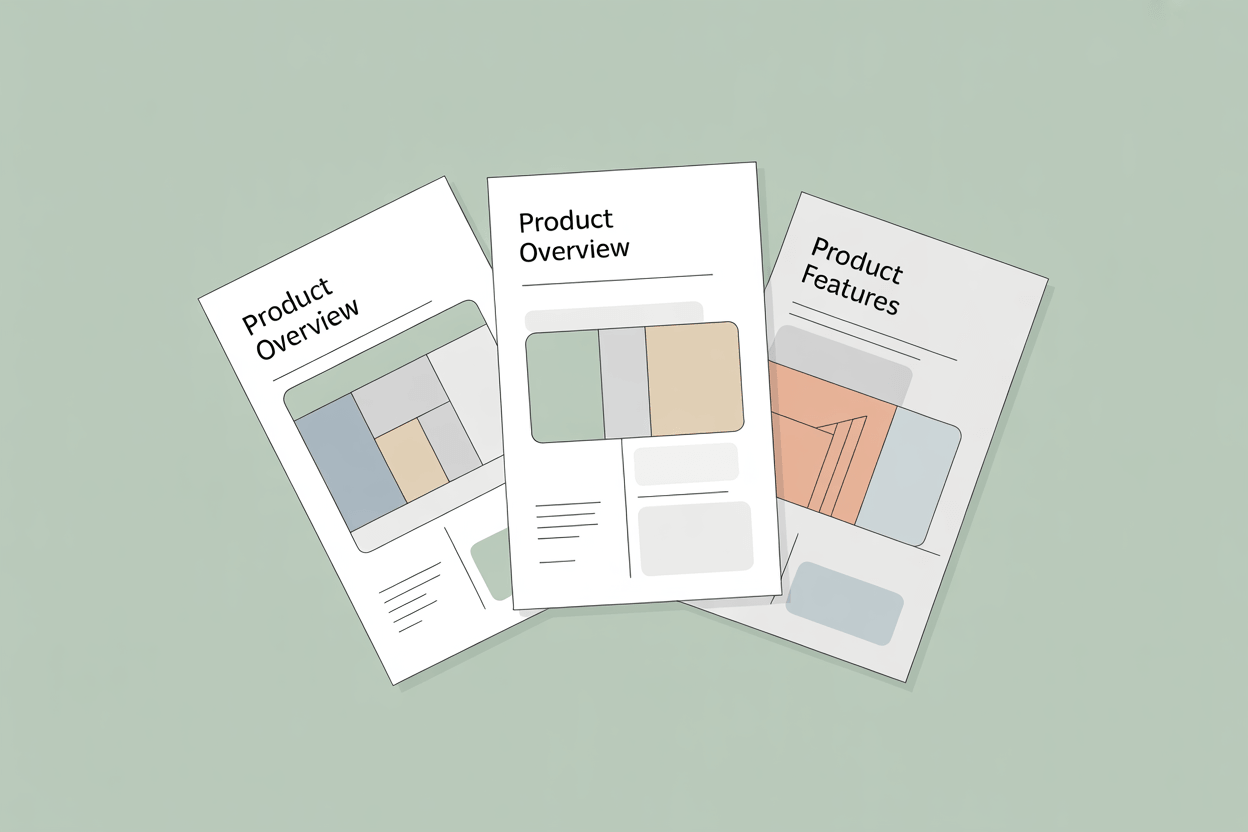
A product brochure is one of the few marketing materials that works across the entire sales cycle. A prospect picks it up at a trade show before they know your brand. A sales rep leaves it behind after a meeting. A buyer returns to it three weeks later when finalizing a shortlist. Each of those moments demands something different from the same document.
Key Takeaways
- Brochures built for the wrong reader fail at the first moment of use. Define who is reading, what action you want them to take, and where the brochure lands before production starts.
- Vague copy actively damages credibility. "Reduces installation time from four hours to 45 minutes" closes deals. "Reduces installation time" does not.
- For manufacturers with large catalogs, manual data assembly is the main source of brochure errors and delays. A PIM with native PDF generation removes that step entirely.
- A review sequence with named owners for technical accuracy, compliance, and brand is not optional. A wrong specification in print is harder to fix than a wrong specification on a website.
- Sales team feedback tells you more about brochure performance than download counts. If reps are apologizing for content, the brochure is already failing.
What a Product Brochure Actually Does
A brochure is not a website condensed onto paper. It operates differently because the context is different. The reader controls the pace. There is no algorithm surfacing related content. No pop-up capturing their email. Just the brochure, the reader, and whatever impression it leaves.
For manufacturers selling industrial equipment, safety systems, or technical components, a well-produced brochure is often the document a buyer shares internally to build consensus before a purchase decision. It travels through organizations in ways a web page cannot. Physical brochures carry weight in B2B contexts because they signal that a company is serious enough to invest in a tangible artifact.
Print and direct mail achieve a 9.7% response rate, compared to 1.1% for email and 0.8% for paid social. A physical brochure left with a buyer averages over three minutes of engagement, against roughly eight seconds for a digital display ad. Print advertising also carries an 84% trust rating, the highest of any paid media channel, against 30% for social ads (source: Amra & Elma — physical media marketing statistics).
Consumers are 70% more likely to remember a brand from print than from digital ads (source: Gitnux — print marketing statistics). In B2B sales cycles where weeks pass between touchpoints, that brand recall is often what gets a supplier back on the shortlist.
Brochures are rarely a first touch. They land in front of buyers who are already evaluating options. A credible, memorable document can swing a shortlist. A vague or outdated one actively creates doubt.
Before You Write a Word
Start with the reader. A product brochure aimed at a procurement manager at a large industrial company reads differently than one aimed at a small business owner. Procurement managers want specifications, compliance references, and supplier reliability signals. Small business owners want clarity on what the product does and what problem it solves. Getting this wrong means writing for yourself instead of for them.
Then decide on one action. Request a demo. Call a distributor. Visit a specific landing page. Pick one. Brochures that try to drive multiple outcomes usually drive none.
Format follows context. A brochure handed out at a trade show gets scanned in seconds by someone holding a coffee and three other brochures. A brochure emailed as a PDF attachment gets opened at a desk and read more carefully. A brochure displayed in a showroom gets picked up by someone already in buying mode. Density and tone should reflect where the brochure actually lands.
Product Brochure Structure That Works
A product brochure does not need to be creative in its structure. It needs to be logical.
The cover earns attention or loses it. A product name and a strong visual are usually enough. A tagline can help if it communicates something specific, not something generic like "built for performance."
The opening sets context. One or two short paragraphs that frame the problem the product solves. This is not the place for company history. Get to the point.
The product section is where most of the content lives. Describe what the product is, what it does, and how it works. Be specific. Vague descriptions like "industry-leading quality" or "comprehensive solution" communicate nothing. Concrete claims do.
Specs and technical details belong in the brochure, not hidden on a website. Buyers making significant purchase decisions want the numbers. Weight, dimensions, power requirements, certifications, compatible systems. Put them in. The product description and specs together should take up roughly half the brochure. That is the core of what the reader came for.
Proof. A short customer reference, a certification logo, a tested performance metric. Something that supports the claims you just made. It does not need to be long.
A clear call to action. One sentence. One URL or phone number.
Buyers who reach the brochure are already evaluating. The document does not need to generate interest. It needs to survive scrutiny.
Writing Your Product Brochure Content
Specificity is the difference between copy that builds confidence and copy that gets skimmed and discarded.
"Reduces installation time" is weak. "Reduces installation time from four hours to 45 minutes based on customer trials" is a claim someone can actually use to justify a purchase.
Write for the reader's questions, not for your internal product framing. The reader is not asking "what features does this have?" They are asking "will this work for my situation?" and "can I trust this company?" Answer those questions directly.
Keep paragraphs short. Use headers to help readers navigate. If your product has ten technical specifications, a table is cleaner than a paragraph. But do not over-format. Brochures that are mostly callout boxes and bullet points feel shallow.
One common mistake is separating specs from benefits entirely, putting all the numbers in a table at the back and all the promises at the front. They belong together. When you say the product withstands temperatures from -40°C to 120°C, say it in the context of why that matters for the reader's application.
Visuals and Layout
A brochure without strong visuals is just a document. The visual choices you make tell the reader how seriously to take the product.
For manufacturers, product photography is the most important investment. Clean, well-lit images of the actual product against a neutral background. If your product is installed in an environment, show that too. A safety valve in a pipeline. A conveyor component on a production floor. Context helps buyers visualize fit.
Exploded views and cutaway diagrams earn their space in technical brochures. A buyer evaluating a pump assembly or an industrial fastener system wants to understand what is inside and how the parts relate. A single well-produced technical illustration can communicate more than two pages of description.
Layout should guide the eye, not fight it. Text and images should create a clear reading path. Crowded layouts communicate that your product is complicated. Hierarchy matters more than decoration. The most important claim on a spread should be the largest element. If everything competes for attention, nothing gets it. Consistent use of one or two brand colors does more for professionalism than a complex visual treatment.
Print and digital brochures have different constraints. Print locks in a format. Digital allows links, embedded video, and interactive elements, but also gets read on screens of varying sizes. If you are producing both, design for print first and adapt for digital. Scaling down tends to work better than scaling up.
Avoid fonts or color treatment that reproduces poorly on low-quality office printers. Your beautifully designed brochure will sometimes get printed in grayscale on a photocopier. Make sure it still works.
The Product Data Problem
A brochure depends entirely on accurate, complete, current product data. Product names, specifications, certifications, compatible accessories, regulatory references. All of it has to be right. And for manufacturers with large catalogs, getting that data into a brochure is often a manual, painful process.
In projects we have implemented, manufacturers frequently come to us with the same situation: product data scattered across ERP systems, spreadsheets, and shared drives, with no single authoritative source. The marketing team is copying specifications from one document into another, checking with engineering to confirm the numbers are current, and doing final verification manually before print. The process takes weeks and still produces errors.
When product data is not centralized, brochure production slows to a crawl. Every update triggers a new round of manual checking.
The operational consequence is predictable. A specification changes in engineering. Six weeks later, a sales rep is in front of a customer with a brochure quoting the old number. The correction costs more than the print run.
A Product Information Management system solves this at the source. When all product attributes, descriptions, certifications, and digital assets live in one system, brochure production becomes a structured export rather than an assembly project. AtroPIM handles this with native PDF datasheet and catalog generation. Product data maintained in the PIM flows directly into predefined templates. When a specification changes, the brochure reflects it on the next export. No manual copying. No version mismatch between what the website says and what the brochure says.
For manufacturers managing hundreds or thousands of SKUs across multiple markets and languages, this matters beyond convenience. Multi-language variants are managed in the same system, so a spec change propagates to every language version without a separate manual step. Digital assets, product images, technical drawings, and compliance documents are handled through the built-in DAM, which means the brochure template always pulls the approved version. ERP connectivity ensures that the data in the PIM reflects what engineering and production actually maintain, rather than a copy that drifted out of sync six months ago.
Product Brochure Review, Approval, and Versioning
A product brochure produced without a clear review process is a liability. Wrong specifications in print do damage that is hard to undo.
Build a short, structured approval sequence. Engineering or product management confirms technical accuracy. Legal or compliance reviews any certifications or regulatory claims. Marketing approves tone and brand consistency. One person owns final sign-off.
Versioning matters too. Brochures produced for different markets, languages, or distributor channels need to be tracked. "Brochure_Final_v3_EN_DE_print_REVISED.pdf" in a shared folder is not version control. Use a naming convention that captures product, market, language, format, and date. If you are using a PIM, asset versioning should be built into the workflow.
When a product is updated, the brochure update should be triggered automatically, not discovered six months later when a sales rep notices the spec sheet is wrong.
Measuring Whether Your Brochure Works
Measuring brochure performance is harder for physical than for digital, but it is not guesswork.
For digital brochures, track downloads, time spent, and whether downloads correlate with deal progression in your CRM. A brochure that gets downloaded but does not move deals forward suggests a conversion problem, not a reach problem. PDF analytics tools can show where readers drop off, which tells you whether the structure is working or whether a specific section is losing them.
For physical brochures, the feedback loop is slower. Talk to your sales team. Ask whether they use it in meetings, whether they apologize for outdated content, whether buyers keep asking questions the brochure should have answered. That feedback is more useful than most metrics.
Print run size is also a signal. If you keep running out of a particular brochure, it is earning its place. If half the print run comes back from trade shows unused, something is wrong with placement, format, or the brochure itself.
Campaigns that combine print with digital see a 118% lift in response rates compared to digital-only efforts (source: Chilli Printing — print marketing statistics). A brochure maintained with current data and tested copy is a meaningful contributor to that lift. Get a version out, gather real sales feedback, and update it.