


Key Takeaways
A PIM data structure is the foundation that determines whether your product information is an asset or a liability.
Get it right, and you have consistent, enriched, channel-ready product data that your whole organization can rely on. Get it wrong or ignore it entirely, and you end up with the chaos that most businesses are already familiar with: duplicate work, inconsistent content, slow launches, and frustrated teams. The good news is that building a solid PIM foundation is entirely achievable with the right preparation. That preparation includes:
- A clear understanding of what a PIM data structure involves
- A thorough audit of your existing product data
- The right level of planning upfront
It does require investment, but it’s the kind that pays back quickly through:
- Greater efficiency
- Improved data quality
- Better outcomes for your customers
If your business is still relying on scattered spreadsheets and gut instinct, the gap between where you are and where you need to be is likely smaller than you think, provided you start with the right structure.
When Product Data Stops Scaling
Managing product information sounds straightforward until you're actually doing it at scale. You have thousands of products, dozens of attributes per product, images scattered across network folders, descriptions written by three different people in slightly different formats, and a team trying to push all of it live across your website, Amazon, and a printed catalog at the same time. At that point, "straightforward" goes out the window fast.
The root of most product data problems is a lack of structure. And that's exactly what a well-designed PIM data structure solves.
In this guide, we'll break down what a PIM data structure actually is, what it's made of, how it works in practice, and why getting it right matters more than most businesses realize.
What Is a PIM Data Structure
Before diving into the structure itself, it's worth being clear on what PIM is. A **Product Information Management (PIM) system** is software designed to centralize, organize, enrich, and distribute product information across all the channels a business uses, whether that's an e-commerce store, a marketplace, a B2B portal, or a print catalog.
The PIM data structure is the underlying framework that makes all of this possible. Think of it as the blueprint the system runs on, which defines what kinds of data exist, how they're organized, and how they relate to each other. Without a well-thought-out data structure, even the most powerful PIM system becomes difficult to use and hard to scale.
In practical terms, a PIM data structure answers questions like: What fields does each product have? How are products grouped and categorized? How do product variants connect to their parent product? How does a product relate to its accessories or replacement parts? How does data get adapted for different sales channels?
Some PIM systems let you configure the data model through a visual interface. Others require some level of technical customization. Either way, the goal is the same: define a structure that reflects how your business actually works and makes product data easy to manage at every stage of its lifecycle.
Core Components of a PIM Data Structure
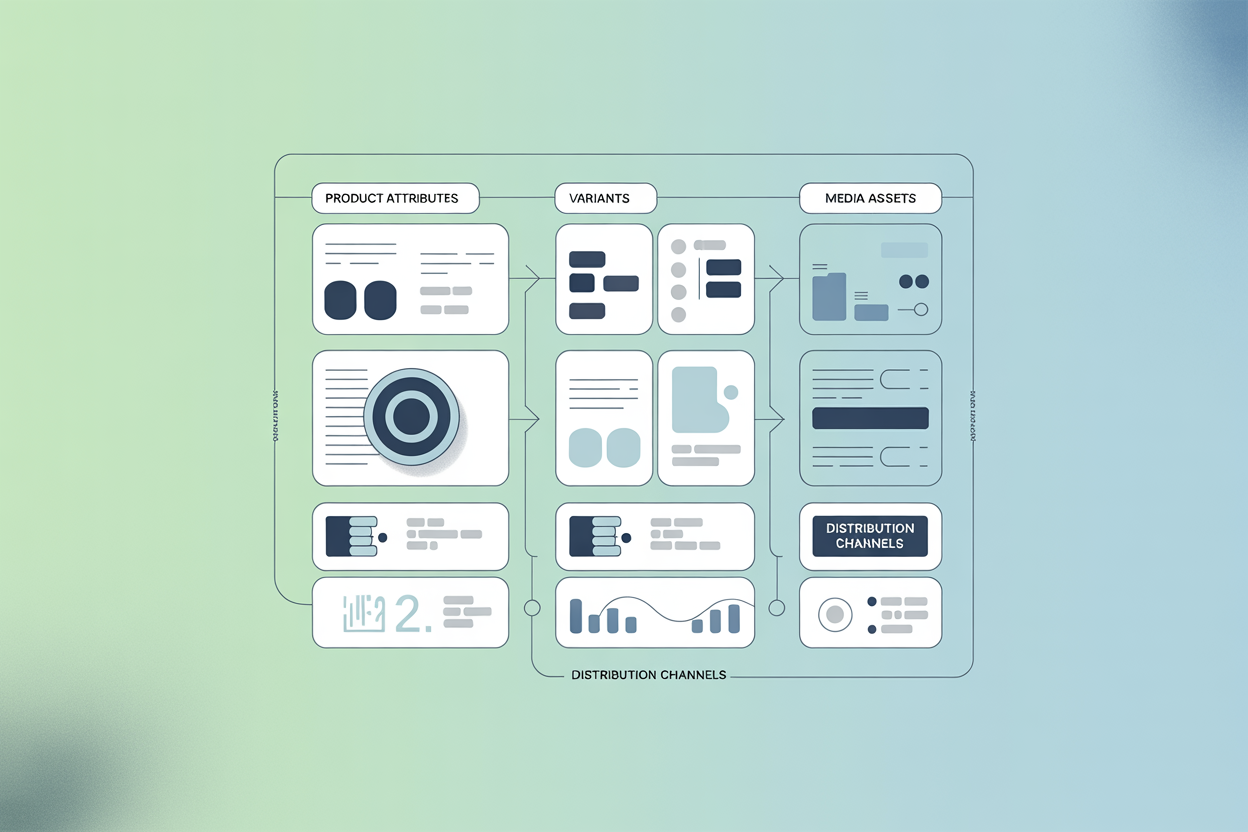
A PIM data structure is a collection of interconnected entities that together describe everything about a product. Here's what those building blocks typically look like:
Products are the central entity. Everything else in the structure exists to describe, categorize, or connect to a product in some way.
Attributes are the individual data fields that describe a product: things like color, weight, dimensions, material, or country of origin. Good attribute design is critical. One of the most common recommendations in PIM implementation is that similar products should always be described using the same attribute sets. It sounds obvious, but in practice, it's one of the first things that breaks down when there's no structure in place.
Attribute groups organize related attributes into logical clusters. Rather than facing a wall of 80 individual fields, users see organized sections like "Technical Specifications," "Packaging Info," or "Marketing Content." It makes data entry faster and less error-prone.
Categories and taxonomy define how products are classified and organized in a hierarchy. A good taxonomy isn't just about navigation. It also drives which attribute sets are applied to which products, making it one of the most foundational decisions in any PIM setup.
Variants and SKUs handle product variations like size, color, or configuration. These are typically structured as child records under a parent product, inheriting shared attributes while carrying their own unique ones (like a specific SKU or barcode).
Relationships define how products connect to each other: accessories, spare parts, bundles, cross-sells, up-sells. These connections aren't just useful for marketing; they're often essential for technical catalogs and B2B product data as well.
Media assets: images, videos, PDFs, and 3D files are linked to product records within the structure, rather than living in a separate folder somewhere. This is a big deal for teams that have historically managed assets and product data in completely separate places.
Channels define where product data is going and what it should look like when it gets there. A product description for your website might differ from the one optimized for Amazon, which differs again from what goes into a printed catalog. The data structure accounts for these differences without requiring you to maintain entirely separate data sets.
How a PIM Data Structure Works
Understanding the components is one thing. Seeing how they work together is where things get interesting.
The typical data lifecycle inside a PIM looks something like this:
Step 1: Define your data sources.
Before anything can be structured, you need to know where your product data currently lives. For most businesses, the honest answer is: everywhere. ERP systems, supplier spreadsheets, shared drives, email attachments, old website exports. A data audit at this stage saves a significant amount of pain later.
Step 2: Prepare and import the data.
Raw data rarely arrives in a format that a PIM system can immediately use. It needs to be cleaned, mapped, and formatted before import. This step tends to take longer than expected, not because PIM systems are difficult, but because the underlying data is often messier than anyone realized.
Step 3: Enrich and complete the data.
Once the data is in the system, different teams can work on it within the defined structure. Marketing fills in descriptions and benefits copy. Technical teams complete specifications. Content teams assign images and videos. Because everyone is working within the same structure, the output is consistent, even when multiple people are contributing.
Step 4: Standardize and validate.
A well-designed PIM structure enforces consistency automatically. Attribute names, values, and units of measurement are standardized across the catalog. A product's weight is always in kilograms, not sometimes in grams or pounds. Mandatory fields are flagged if they're missing. This validation layer is what keeps data quality high over time.
Step 5: Distribute to channels.
With clean, enriched, standardized product data, distribution becomes largely automatic. The structure defines what data goes where, and the system handles the rest, whether that's syncing to an online store, pushing a product feed to a marketplace, or generating a catalog-ready export.
It's worth noting that the majority of businesses are trying to do all of the above without a consistent framework in place. The results tend to speak for themselves: inconsistent data, duplicated effort, and slow time-to-market.
Types of PIM Data Structures
Not all PIM data structures are built the same way. Depending on the size of your catalog, the complexity of your products, and how your data is managed across the business, different structural approaches make sense.
| Structure Type | Best For | Key Advantage | Watch Out For |
|---|---|---|---|
| Flat | Small, simple catalogs | Easy to set up and manage | Doesn't scale well as the catalog grows |
| Hierarchical | Large, complex catalogs | Supports parent-child product relationships | Requires careful planning upfront |
| Federated | Multi-source or enterprise environments | Unifies data from multiple systems | Can be complex to maintain |
| Attribute-Based | Highly varied product ranges | Very flexible and adaptable | Risk of inconsistency without governance |
Most mid-to-large businesses end up with a combination: a hierarchical product taxonomy with an attribute-based approach to product description. The important thing is that the choice is made deliberately, based on how the business actually operates, rather than just defaulting to whatever the PIM system offers out of the box.
Why PIM Data Structure Matters
If you've made it this far, you probably don't need to be convinced that product data matters. But the structure of that data is what separates businesses that manage it well from those that are constantly firefighting.
Here's what a solid PIM data structure actually delivers in practice:
Data consistency across channels.
When product information is structured and centralized, there's one version of the truth. The product description on your website, your Amazon listing, and your B2B portal all say the same thingб because they're all pulling from the same structured source.
Faster time-to-market.
When the structure is clear and workflows are defined, getting a new product live is a process, not a project. Teams know exactly what information is needed, where it goes, and who's responsible for it.
Better customer experience.
Rich, accurate, complete product information builds buyer confidence. It reduces the "is this actually what I need?" uncertainty that leads to abandoned carts and returns. Studies consistently show that product content quality is one of the top drivers of online purchase decisions.
Scalability.
A well-designed data structure grows with you. Adding 500 new products, a new product category, or a new sales channel doesn't require rebuilding everything from scratch, and just adds to what's already there.
Smoother system integration.
Modern businesses run on multiple systems: ERP, CRM, WMS, CMS, and more. Structured, standardized product data makes it far easier to exchange information between these systems reliably and automatically. Without that structure, every integration becomes a custom, fragile, one-off project.
Regulatory compliance.
Depending on your industry and market, there are legal requirements around what product information must be provided and how. A structured approach makes it much easier to ensure compliance and demonstrate it when required.
How to Get Your PIM Data Structure Right
Even businesses that invest in a PIM system sometimes don't get the full benefit because the underlying data structure wasn't properly thought through. Here's what to do and what to watch out for:
Start with a data audit, not a tool decision.
Before defining any structure, understand what product data you already have, where it lives, and what condition it's in. Going straight to setup without this step is one of the most common and costly mistakes. You can't build the right structure without knowing what you're working with.
Define your taxonomy before adding products.
The category structure shapes everything else, including which attribute sets apply, how products are navigated, and how data flows through the system. A taxonomy that made sense for 500 products often breaks down at 5,000, so plan for growth here rather than retrofitting it later.
Find the right attribute balance.
Over-engineer the attribute model, and nobody will fill it in — 120 fields per product sounds thorough until your team starts skipping half of them. Under-engineer it and you can't describe your products adequately. The right balance comes from involving the people who'll actually be using the system, not just the people designing it.
Standardize naming conventions across the board.
Decide upfront how attributes will be named and what values are acceptable. Consistent naming is what makes product data reliable, searchable, and actually useful when it reaches its destination.
Account for channel-specific requirements from the start.
Different channels have different data needs. Amazon requires fields your website doesn't. A printed catalog needs copy formatted differently from a digital listing. If the structure doesn't account for this early on, distribution becomes a manual process instead of an automated one.
Involve all stakeholders in the design phase.
The data structure affects marketing, product management, IT, sales, and operations. Getting input from all of these groups before locking anything in saves significant rework down the line.
Plan for localization if you operate in multiple markets.
Multilingual support needs to be baked into the structure from day one, retrofitting it after the fact is painful and disruptive.
Treat the structure as a living thing, not a one-time setup.
New product lines, new markets, new channels — all of these have implications for the data structure. A regular review, at least annually, ensures it keeps pace with how the business actually operates.
Who Needs a Well-Defined PIM Data Structure
The short answer: any business where product information is a significant operational concern.
More specifically, a well-defined PIM data structure is particularly valuable for:
- Manufacturers dealing with complex, technical product data that needs to be shared with distributors, retailers, and B2B customers in a standardized format.
- Wholesalers and retailers managing large product catalogs across multiple sales channels simultaneously.
- E-commerce businesses scaling their product range and needing to maintain data quality and consistency as they grow.
- Companies operating in multiple languages or markets, where product information needs to be localized without losing consistency or structure.
- Businesses with multiple systems that need to exchange product data reliably — ERP to PIM, PIM to CMS, PIM to marketplace, and so on.
If any of these descriptions sound familiar, the question probably isn't whether you need a proper PIM data structure, but how soon you can get one in place.