


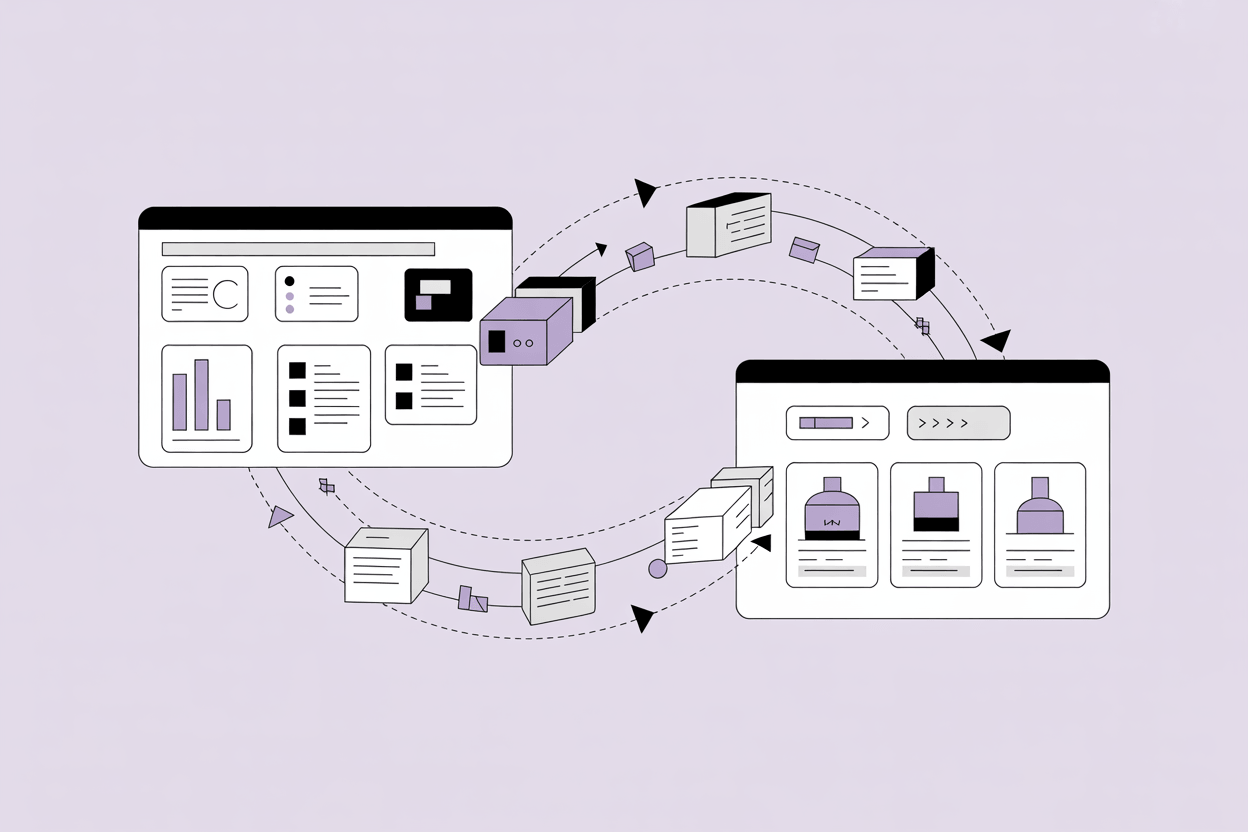
Product data migration is the process of moving product information from one system to another. That sounds straightforward until you're actually doing it. In practice, it's one of the most error-prone phases of any PIM implementation, ERP consolidation, or e-commerce platform switch.
The trigger varies. Some companies migrate because they're implementing a PIM for the first time and need to pull data out of spreadsheets or an ERP. Others are switching PIM vendors after outgrowing their current system. A smaller group is consolidating product data from several siloed systems into a single source of truth. The migration path differs in each case, and so does the right migration strategy. But the failure patterns are remarkably consistent.
According to Gartner, 83% of data migration projects either fail outright or exceed their budgets and timelines. The causes are not mysterious: underestimated complexity and insufficient preparation for the data quality problems already present in the source.
What "Product Data" Actually Includes
Before any migration starts, it helps to be precise about what you're moving. Product data isn't just SKUs and names.
A typical product record in a mid-sized manufacturer or distributor contains base attributes (dimensions, weight, materials, certifications), commercial data (pricing, packaging units, lead times), rich content (marketing descriptions, technical specifications, images, documents), classification data (product hierarchies, categories, ETIM or GS1 codes), and relational data (product variants, accessories, spare parts, bill of materials links).
Each of these data types has different structural requirements, different quality issues, and different mapping complexity. Digital assets alone can account for a significant share of migration effort because images and documents need to be correctly linked to the right product records and delivered in the right formats.
In practice, the product record often contains more than 200 attributes across several attribute groups, with variant logic built on top. Migrating that into a new system is not a file transfer. It's a data transformation project.
The Three Most Common Migration Scenarios
From spreadsheets into a PIM.
Most mid-market companies start here. Product data lives across multiple Excel files maintained by different teams, sometimes in different formats, sometimes out of sync. The challenge is imposing a consistent structure for the first time. You're not migrating a model. You're creating one.
From an ERP or legacy system into a PIM.
ERP systems store product data in ways that optimize for transaction processing, not content management. MDM systems are more structured, but their attribute models are built for governance, not multichannel publishing. In either case, the source data model rarely maps cleanly to a PIM. The migration involves extracting flat records, enriching them, restructuring relationships, and mapping to a completely different attribute architecture.
PIM to PIM.
Companies switching vendors face a different problem. The source data is structured, but the target system has its own data model, attribute naming conventions, and classification logic. What breaks most often is the category tree: hierarchies built in one system rarely translate 1:1, and channel assignment rules tied to the old taxonomy need to be rebuilt from scratch. Mapping between two mature systems requires careful field-by-field analysis, and assumptions baked into the old system rarely carry over.
The Product Data Migration Process, Step by Step
This is where most of the actual work happens, and where projects get into trouble if steps are skipped.
1. Source data audit.
Before any mapping or transformation work, inventory what you actually have. Which systems hold product data, in what format, maintained by whom, and how current? Data profiling is the formal term for this: find duplicates, count nulls, identify inconsistencies in units, naming, and formatting. This phase typically takes longer than expected and almost always reveals surprises. Many organizations discover that their data is "basically clean" only after assuming it was actually clean.
2. Target data model definition.
Define the attribute structure, classification hierarchy, and relationship model in the destination system before you start mapping. This is a cross-functional decision that involves stakeholders from product management, marketing, sales, and IT. Mapping before the target model is finalized guarantees rework.
3. Data mapping.
Match each field in the source to a field in the target. Identify gaps (attributes that exist in the source but have no equivalent in the target, or vice versa), conflicts (different values representing the same concept), and transformation requirements (unit conversions, taxonomy normalization, value list standardization). Small mapping errors compound across tens of thousands of SKUs. A mistake in how you map a unit of measure affects every product that uses it.
4. Data cleansing.
Fix quality problems in the source data before migration, not after.
The temptation is to push dirty data into the PIM and "clean it up later." That is where most migration failures live. Dirty data migrated at scale doesn't become cleaner. It becomes more entrenched.
Cleansing means deduplication, filling mandatory fields, standardizing value formats, correcting classification errors, and validating digital asset links. For a manufacturer with 15,000 active SKUs, this phase can take weeks. It is not optional.
5. Transformation and loading.
Apply the transformation rules defined in step 3 and run the actual import. Use the target system's import engine or a dedicated ETL (extract, transform, load) tool, depending on data volume and complexity. Format mismatches between source and target are common at this stage: character encoding issues, date format conflicts, and numeric precision differences can corrupt values silently. Running a test load on a small batch before the full import catches most of these.
6. Test migration.
Run a dry migration on a representative subset, ideally covering your most complex product types, not just the simple ones. Validate the output against the defined acceptance criteria. Fix issues before the full run. For larger projects, a formal user acceptance test (UAT) phase with actual data owners is worth building into the schedule.
7. Full migration and validation.
Run the complete migration and verify results: record count reconciliation, attribute completeness audit, relationship integrity checks, asset linkage verification. A successful migration log with zero errors is not sufficient validation on its own.
8. Post-migration run-in period.
Business users and data stewards need time to review migrated data in the live system. Plan for a 6 to 8 week period after go-live. Issues will surface that automated checks didn't catch: a dimension in the wrong unit, a product assigned to the wrong category, a translation missing for a key market. These need to be logged, prioritized, and resolved before the system is considered production-ready.
Where Migrations Go Wrong
The failure modes are well-documented and still frequently repeated. Our customers often come to us after a migration attempt that stalled or was rolled back, and the root cause is almost always one of the following.
- Skipping the data audit. Teams assume their data is cleaner than it is, move straight to mapping, and discover the real state of things mid-migration.
- Finalizing the data model too late. Mapping work done before the target model is locked requires partial or complete rework.
- Migrating dirty data. The logic that "we'll clean it in the new system" is almost never acted on. The dirty data becomes the new normal.
- Underestimating asset migration. Images and documents are often treated as an afterthought. Missing, mislinked, or incorrectly named assets are among the most common post-migration complaints.
- Flat record migration. Products with variants, accessories, or BOM relationships require relational migration. Migrating flat records and trying to rebuild relationships afterward is far more expensive.
- No rollback plan. If a full migration fails midway, the ability to revert to source systems cleanly is not optional. Data loss during cutover is rare but permanent when it happens.
- Ignoring data integrity across relationships. Migrating product records without their linked variants, assets, and category assignments produces technically complete records that are functionally broken.
Phased vs. Big Bang Migration
A big bang migration moves all data in a single cutover. It is faster to plan and simpler to coordinate, and it works when the source is clean, the catalog is relatively small, and the target data model is straightforward.
For most manufacturers and distributors with complex product hierarchies, multiple attribute groups, and thousands of SKUs across product families, a phased approach is safer. Start with a core catalog wave: a single product category, essential attributes only. Verify the mapping and loading process works as expected. Then add additional categories, richer attributes, and more complex relational structures in subsequent waves.
A phased migration is not slower. It's a way of finding out what you got wrong before it affects everything.
The rule of thumb: if you have more than 5,000 SKUs, multi-level product relationships, or more than one source system, plan for a phased migration.
What Tooling You Actually Need
No single tool handles everything. A realistic migration stack typically includes:
- An ETL or data integration tool for extraction, transformation, and loading (Talend, Informatica, or simpler Python-based pipelines, depending on volume)
- A target PIM system with flexible import and export capabilities: support for CSV and Excel bulk imports, REST API ingestion, configurable field mapping, and validation on import
- A DAM or asset management capability that handles file linking and format conversion during import
- Built-in data quality and completeness tools for pre-migration profiling and post-migration validation
AtroPIM is built on the AtroCore platform, which gives it a highly configurable attribute and relationship model. This matters during migration because it means the target data structure can be shaped to match the complexity of the incoming data, rather than forcing the data into a rigid system template. AtroPIM supports CSV and Excel bulk imports, REST API data ingestion, configurable attribute sets per product family, and multi-level product relationships, including variants and accessories. Its completeness scoring feature is particularly useful during migration validation: you can set required attributes per product type and measure completeness against those criteria before signing off on each migration wave.
The open-source nature of AtroPIM also matters in migration contexts. When source data has unusual structures or requires custom transformation logic, being able to extend the import pipeline without vendor dependencies significantly reduces project risk.
Post-Migration Is Its Own Phase
Getting data into the system is the midpoint, not the finish line. Post-migration validation is its own workstream, and it needs to be scoped and resourced before the migration starts.
Record count reconciliation confirms that nothing was dropped between source and target. Attribute completeness audits verify that required fields are populated to the thresholds defined for each product type. Classification and hierarchy checks confirm that category assignments survived the migration intact. Asset linkage verification confirms that images and documents are correctly linked, not orphaned. Channel-readiness checks go one step further: they confirm that products actually meet the completeness criteria to be published, not just that they exist in the system.
In practice, this validation work is done best by the people who work with the data daily, not the implementation team. Product managers and category owners know which attributes matter for which product types. Giving them structured review tools in a staging environment before go-live catches errors that automated checks miss.
Getting Migration Right
Product data migration is as much a data governance exercise as it is a technical one. The quality of data you bring into a new system determines what the system can actually do for you. A well-structured PIM loaded with a clean, complete product catalog delivers value from day one, for internal teams managing the data and for every downstream channel consuming it. The same system loaded with migrated-but-unresolved quality problems costs months of cleanup before it earns trust, and makes ongoing product onboarding harder than it needs to be.
The investment in audit, cleansing, and phased execution is not overhead. Teams that skip those steps typically spend the first year after go-live doing the cleanup work they deferred, inside a live system, under production pressure, without a safety net.
For more details on how AtroPIM handles complex catalog structures and what to look for in a migration-ready PIM, see the AtroPIM features overview.