


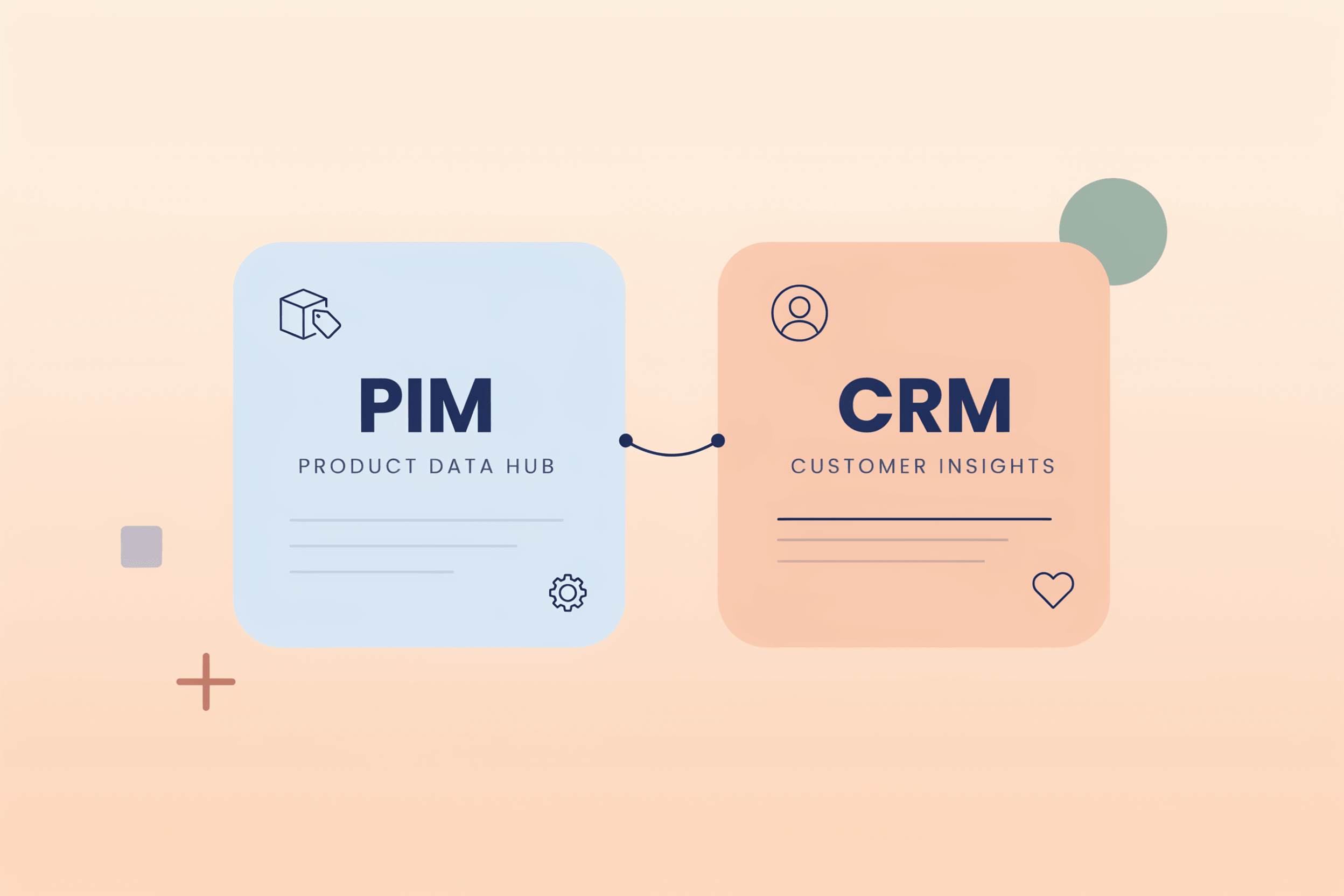
In B2B commerce, two systems tend to carry a lot of weight: PIM and CRM. Both manage data. Both feed into the sales process. But they solve very different problems, and confusing their roles creates data silos that hurt both operations and customer experience.
What Is a PIM?
A Product Information Management system is a central repository for everything related to your products. Descriptions, technical specifications, images, pricing, dimensions, certifications, and multilingual content all live in the PIM. It acts as the single source of truth for product data across your organization.
The core job of a PIM is to ensure product data is accurate, complete, and consistent across all channels: your webshop, sales catalogs, marketplaces, and distributor portals. Without a PIM, product data tends to scatter across spreadsheets, ERP exports, and shared folders. Each team maintains its own version, and they rarely match.
Manufacturers deal with this problem constantly. A product line with hundreds of SKUs, each with regional variants, compliance documents, and customer-specific pricing, is impossible to manage reliably without a dedicated system. Incorrect product data can cause downstream procurement errors, warranty claims, and service failures, making product information as much of a risk issue as a marketing one.
What Is a CRM?
A Customer Relationship Management system tracks everything related to your customers and prospects. Contact records, interaction history, deal pipelines, quotes, support cases, and communication logs are at the core of any CRM.
Where a PIM is product-centric, a CRM is customer-centric. Its purpose is to give sales, account management, and support teams a 360-degree view of each customer relationship so they can act on it. A sales rep should be able to open a CRM record before a call and know what the customer bought, what they asked about, what issues are open, and what deals are in progress.
CRMs also drive the process. Pipeline stages, automated follow-ups, deal forecasts, and territory management are standard CRM functions. The system keeps sales activity organized and measurable.
PIM vs. CRM: Key Differences at a Glance
Both are data platforms, but they manage fundamentally different kinds of data and serve different users. The confusion between PIM and CRM usually comes from the fact that both sit close to the sales process. Their data types, users, and outputs are distinct.
| Dimension | PIM | CRM |
|---|---|---|
| Core data | Products, attributes, digital assets, specifications | Customers, contacts, interactions, deals |
| Primary users | Product managers, marketing, and content teams | Sales, account managers, support |
| Data direction | Outbound to channels and marketplaces | Inward from customer touchpoints |
| Main output | Consistent product content across channels | Customer insights and pipeline visibility |
| Single source of truth for | Product data | Customer data |
| Replaces | Spreadsheets and manual catalog management | Email trails, deal trackers, and rolodexes |
| Integrates with | ERP, DAM, e-commerce platforms, marketplaces | Marketing automation, e-commerce, ERP, support tools |
| Key benefit | Product data quality and channel consistency | Relationship visibility and sales efficiency |
The distinction matters because teams sometimes expect one system to do the other's job. A CRM is not built to manage thousands of product attributes, data enrichment workflows, or channel-specific content variants. A PIM has no interest in deal stages, customer purchase history, or contact records. When both systems are in place and connected, each does what it is designed for.
Do You Need Both PIM and CRM?
For most B2B companies selling complex or multi-SKU product catalogs, yes.
A CRM alone cannot manage product data at the level of quality and consistency that B2B buyers expect. A PIM alone does not track who buys what, how often, or what their next likely purchase is. The two systems cover different halves of the commercial data problem.
Small businesses selling a narrow product range through a single channel may get by with just a CRM and a basic product catalog. But once the catalog grows and channels multiply, a CRM-only approach starts creating expensive gaps.
The question is not usually PIM or CRM. It is how well the two work together.
Where PIM and CRM Overlap
PIM and CRM overlap in one specific place: the moment a product is sold.
A sales rep working in the CRM is often quoting products. If the product data in the CRM is outdated or incomplete, they quote incorrectly. A customer service agent handling a complaint needs accurate product specs to resolve it fast. A manufacturer's field team pitching a new line needs the latest product content in the system they use every day.
The gap is not that PIM and CRM compete. The gap is that product data from the PIM rarely reaches the CRM in a structured, usable way.
That gap has real consequences. Sales reps pull specs from wherever they can find them. Quotes go out with outdated information. Customers get different answers depending on which rep they call. Support tickets take longer to resolve because the product context is missing. The data silos between systems create friction at every customer touchpoint.
How PIM and CRM Integration Works in Practice
Connecting a PIM to a CRM gives sales teams access to current product information inside the system they already use. The operational difference is bigger than it sounds.
When a manufacturer integrates their PIM with their CRM, product data flows into the CRM automatically. Sales reps see up-to-date specs, current pricing, available variants, and relevant certifications without opening a separate system or checking a shared drive.
In practice, the problem before integration was consistent: sales teams were working with outdated product PDFs, and the product team was publishing new specifications faster than those PDFs could be distributed. After connecting the PIM to the CRM via API, the sales team always had current product data tied to the customer record. Quote accuracy improved, and back-and-forth with the product team dropped significantly.
The CRM PIM integration can take different forms depending on business needs:
- One-way sync: Product data flows from PIM to CRM on a scheduled basis. Simple to implement and good for most use cases.
- Real-time API sync: Product updates in the PIM are reflected immediately in the CRM. Useful when pricing or availability changes frequently.
- Bidirectional sync: Customer feedback or field notes in the CRM feed back into the PIM to flag data gaps or trigger enrichment workflows. More complex, but valuable for product teams that rely on customer input to improve product content.
What This Solves for B2B Teams
The business case for integrating PIM and CRM is clearest in B2B contexts where the sales cycle is long, and product complexity is high.
Distributors and wholesalers benefit from having accurate product data embedded in their quoting process. A quote sent with wrong specs means a return, a dispute, or a lost customer. Companies have reported a 40% decrease in order processing errors after implementing PIM systems with proper integrations.
For manufacturers selling through a field sales force, the benefit is speed. Sales reps in the field do not have time to search for product documentation across disconnected systems. When the CRM surfaces the right product data at the right moment, customer conversations move faster and close rates improve.
When product data is accurate and accessible in the sales context, sales teams spend less time verifying and more time selling.
Account managers gain from the integration as well. A customer asking about a product modification or a new product line can get an immediate, reliable answer. That builds credibility, especially in technical sales where buyers evaluate whether the vendor truly knows their own products.
What to Consider Before Integrating
Integration is not plug-and-play in most enterprise environments.
Start with product data quality. If the PIM itself contains incomplete or inconsistent data, pushing it into the CRM just distributes the problem further. Data governance in the PIM should be addressed before integration. Then, a map that attributes the CRM actually needs: not every product field is relevant to a sales conversation, and keeping the field mapping narrow makes the integration easier to maintain. Update frequency matters too: if pricing changes daily, a nightly batch sync may not be enough; if specifications are stable, a weekly sync is fine.
47% of small businesses report difficulties integrating PIM solutions with existing ERP and CRM systems, which points to a real implementation challenge. Most of that friction comes from unclear data ownership, mismatched data models, or insufficient API support on one side of the integration. Starting with a clear mapping of what data goes where, and who owns it, reduces that risk considerably.
The Takeaway
PIM and CRM are complementary, not competing. PIM holds the single source of truth for product data. CRM holds it for customer data. When they work in isolation, sales teams fill the gap manually, which creates errors, delays, and inconsistencies that customers notice.
The integration does not need to be complex to be effective. A well-structured sync of the right product attributes into the right CRM fields gives sales teams what they need without overloading the system. That is usually enough to close the most common gaps: wrong specs in quotes, outdated product information in sales pitches, and delayed answers to customer questions.
For manufacturers and distributors managing large product catalogs across multiple channels, connecting PIM and CRM is less a technical project and more an operational one. The technology is available. The question is whether the data and the process are ready for it.
Interested in how AtroPIM integrates with CRM systems in B2B environments? Contact us to learn more.