


Key Takeaways
- Product Information Management (PIM) is the process of centralizing and managing all your product data in one place.
- Messy, scattered product data leads to errors, slow launches, and unhappy customers.
- A PIM system is different from an ERP, DAM, or MDM, though they often work together.
- Not every business needs a PIM tool right away, but there are clear signs when you do.
- Choosing the right PIM software depends on your catalog size, team, and sales channels.
What Is Product Information Management?
At its core, Product Information Management — or PIM — is exactly what it sounds like. It's how a business collects, organizes, and shares product data.
Think about everything attached to a single product: its name, description, dimensions, weight, color variants, images, pricing, certifications, and more. Now multiply that by hundreds or thousands of products. Then imagine syncing all of that across your website, Amazon, a printed catalog, and a mobile app — all at once.
That's the problem Product Information Management system solves.
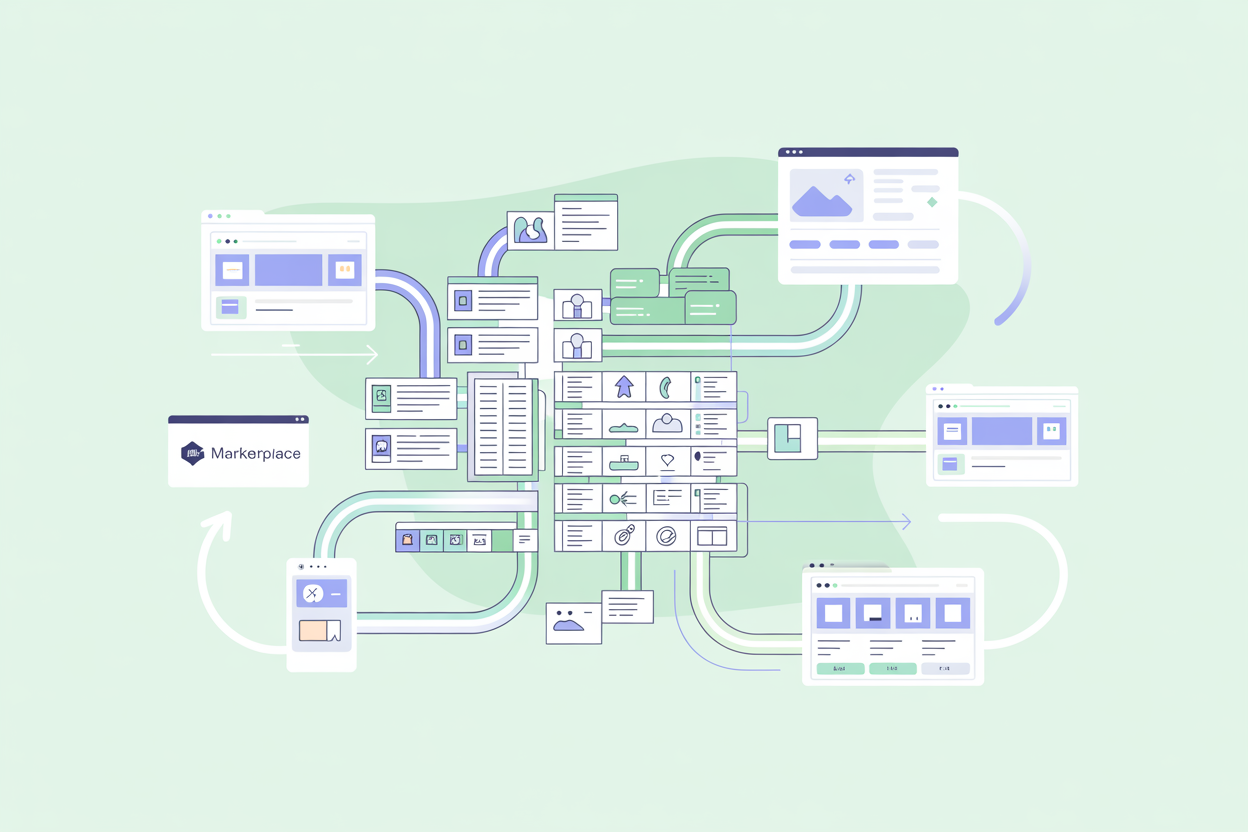
A PIM system gives your team one central place to work from. Instead of hunting through spreadsheets, email threads, and shared drives, everyone pulls from the same source. Changes made there flow out to every channel automatically.
It's worth clearing something up early: PIM is both a practice and a type of software. You can manage product information without dedicated software, but at a certain scale, that becomes very painful, very fast. The market reflects how seriously businesses are taking this. The global PIM market was valued at around
$12.2 billion in 2023 and is projected to grow at a CAGR of roughly 13% through 2032 (source: GMInsights ).
That kind of growth doesn't happen unless the underlying problem is real.
Why Product Data Gets Complicated
Small catalogs are manageable. Twenty products, a single website, one person handling it all — a spreadsheet works fine.
But things get complicated quickly. Here's why.
Multiple channels have different requirements. Your website might need a 500-word product description. Amazon wants a bullet-pointed version. A retail partner needs a data feed in a specific format. The same product, three completely different versions of its information.
Teams grow and handoffs get messy. When five people are editing the same spreadsheet, mistakes happen. Someone overwrites a field. A translation goes missing. A discontinued product stays listed by accident.
Products change constantly. Prices update. New variants get added. Regulations require new safety information. Keeping everything consistent across channels is a full-time job on its own.
Volume creates chaos. With 50 products, you can manually check everything. With 5,000, you can't. Errors slip through, customers see wrong information, returns go up, and trust goes down — and the costs of that are higher than most businesses realize.
Key Components of a Product Information Management System
PIM systems vary in complexity, but most share a common set of building blocks.
| Component | What It Does |
|---|---|
| Central Data Repository | One place where all product data lives — the single source of truth |
| Attribute Management | Define and organize the fields that describe your products (size, color, material, etc.) |
| Workflow Tools | Assign tasks, track approvals, and manage who does what |
| Channel Syndication | Push product data to different sales channels in the right format |
| Digital Asset Management | Store and link product images, videos, and documents |
| Data Quality Tools | Flag missing fields, inconsistencies, or errors before they go live |
Not every PIM tool includes all of these. Some are lean and focused. Others are full platforms that cover the whole pipeline from data entry to channel publishing. What you need depends on where the pain is in your current process.
Who Needs a Product Information Management System?
Honestly? Not every business. A small shop with 30 products and one sales channel doesn't need a dedicated PIM system. A spreadsheet will do.
But here are the signs that you've outgrown manual management:
- You sell on three or more channels (website, marketplaces, retail partners, etc.)
- Your catalog has hundreds of SKUs or more
- You're launching new products and it takes weeks to get them live everywhere
- You regularly find errors in live product listings — wrong prices, missing images, outdated descriptions
- Multiple team members are working on product data and stepping on each other's work
- You're expanding into new markets or languages, and localization is becoming a nightmare
If two or more of these feel familiar, it's worth seriously considering a PIM solution.
Core Benefits of a Product Information Management System
Getting your product data under control has a ripple effect across the business. Here's what changes.
Faster time to market. When your data model is set up and your channels are connected, launching a new product goes from weeks to days — sometimes hours.
Fewer costly errors. Wrong dimensions, missing safety information, outdated pricing — these mistakes hurt your reputation and your bottom line. A PIM with data quality checks catches problems before they go live.
Better customer experience — and fewer returns. Shoppers who find complete, accurate product information are more likely to buy and less likely to send things back. The Shotfarm Product Information Report found that 40% of consumers had returned an online purchase due to inaccurate product content, and 30% of cart abandonments were linked to poor product descriptions rather than price or delivery time.
Perhaps most telling: 86% of those affected said they would be unlikely to buy from that retailer again (source: Retail Dive / Shotfarm Product Information Report ).
One bad data point can cost you a customer for life.
Stronger SEO. Rich product data — detailed descriptions, proper categorization, structured attributes — feeds search engines exactly what they want. Better data often means better rankings.
Time saved at scale. Instead of manually updating listings on six different platforms, your team updates once and syncs everywhere. That's hours saved every week.
Easier localization. Expanding to a new country or language? A PIM makes it manageable. You can store translations alongside original content and push the right version to the right market.
Product Information Management vs. Related Systems
PIM is often confused with other data management tools. Here's a quick breakdown of the differences.
| System | Full Name | What It Manages | How It Relates to PIM |
|---|---|---|---|
| ERP | Enterprise Resource Planning | Business operations — inventory, orders, finance, HR | Often the source of core product data like pricing and stock levels. PIM enriches that data. |
| DAM | Digital Asset Management | Images, videos, documents, and other media files | Some PIMs include basic DAM features. Others integrate with a dedicated DAM for heavier media needs. |
| MDM | Master Data Management | All critical business data — customers, suppliers, products, locations | Broader than PIM. MDM covers the whole business; PIM focuses specifically on product information. |
| CMS | Content Management System | Website content and pages | A CMS displays product content. PIM is where that content is managed and maintained. |
To put it simply, PIM sits in the middle. It takes raw data from systems like your ERP, enriches it, and feeds it out to systems like your CMS, marketplace integrations, and retail partner portals.
Software for Product Information Management
PIM software comes in many shapes and sizes. Some tools are built for large enterprises with thousands of SKUs and global teams. Others are lightweight and designed for smaller businesses that just need to get organized. There's no one-size-fits-all answer, and the features vary accordingly — some platforms are lean and focused, others cover the full pipeline end to end.
When evaluating options, it's worth thinking about a few key questions:
- How large is your catalog, and how fast is it growing?
- How many sales channels do you need to feed?
- Does your team have technical resources, or do you need something anyone can pick up?
- Do you need a cloud-hosted solution, or would an on-premise or open-source setup suit you better?
The answers will narrow the field quickly. A global manufacturer with 50,000 SKUs has very different needs from a mid-sized e-commerce brand selling across three marketplaces. It's worth noting that retail and e-commerce account for the largest share of PIM adoption, which makes sense, given the pressure those industries face to keep product data accurate and up to date across many channels.
Open-source vs. SaaS is another important distinction. SaaS tools (Software as a Service) are hosted in the cloud, subscription-based, and typically faster to set up. Open-source tools give you more control and flexibility, but require technical resources to deploy and maintain. Cloud-based PIM is clearly winning in the market — by 2025, cloud deployments held 63.5% of the global PIM market share, and that number keeps growing (source: Mordor Intelligence).
A few examples worth looking at are AtroPIM, Akeneo, and Salsify. AtroPIM is an open-source platform that's highly flexible and customizable — a good fit for businesses that want full control over their setup without vendor lock-in. Akeneo offers both an open-source community edition and paid cloud tiers, and is widely used by mid-to-large businesses that need strong data quality tools and a polished user experience. Salsify takes a different angle — it's built around how product content performs on retail channels and marketplaces, making it a strong choice for brands that sell heavily through partners like Amazon, Walmart, or Target.
The right tool is the one your team will actually use. A powerful platform that's too complex to adopt does nothing for you. Start with your real pain points, match them to what a tool solves, and don't over-invest before you've validated your needs.