Approval Workflow Definition
An approval workflow is a set sequence of review steps that a piece of work must pass through, and be signed off by the right people, before it is accepted or used. Instead of relying on emails and verbal sign-offs, it makes clear who needs to check what, in which order, and what happens once they approve or reject it.
How does an approval workflow work?
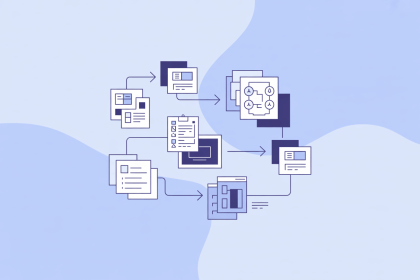
The item being approved, such as a document, a purchase request, or a product record, moves through a series of statuses, for example Draft → In Review → Approved → Published. Most workflows are built from the same few parts:
- Stages that show where the item currently stands
- Approvers, the people or roles responsible for each step, such as a product manager or a legal reviewer
- Rules that decide the path, for example sending price changes above a set amount to a manager for extra sign-off
- Actions available at each step: approve and move forward, reject, or return with comments for changes
The software notifies each approver when it is their turn and keeps a record of who approved what and when. This record is often called an audit trail.
Why does it matter?
Without a defined process, unchecked content can be published, the same item may be reviewed twice or not at all, and nobody can say for certain who signed off on a mistake. An approval workflow makes responsibility clear, catches errors before they reach customers, and helps companies show auditors or regulators that the required checks took place. It is a common part of data governance, the set of rules and responsibilities a company uses to keep its data accurate and trustworthy.
How are approval workflows used in PIM?
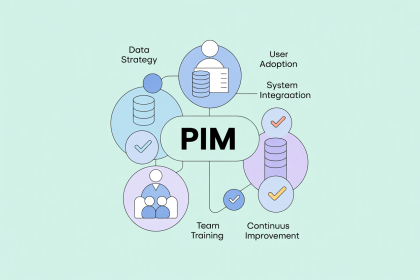
In a Product Information Management (PIM) system, many people contribute to a single product: one team adds technical specifications, another writes descriptions, and others translate them or upload images. An approval workflow makes sure new or changed product data is reviewed before it goes live. A product usually cannot be sent to the online store, a marketplace, or a print catalog until it reaches the Approved status, so incomplete or incorrect information stays inside the system until it is fixed.